Computer Hardware &  software
Clean Green Energy
Travel Health Wellbeing


Article by Brendan Mckenna - July 2011

Before You Reformat:

Reset defaults and reboot before reformatting – This is often all that is needed to resolve what can appear to be a serious computer glitch.  Just about every program has a default reset button. Programs can at times clash with each other, the best way to address this is to simply reset defaults and reboot . If that fails then the next step is to fully remove, reboot,  and reinstall the problematic Software. If complete removal and reinstall does not help, the it is time to consider a full reformat and rebuild your hard drive. "See Review of the Month Below"


Computer Hardware -Photo by Brendan Mckenna


There are two main types of Windows 7 fixes:

A reinstall which allows you to keep all your software and personal settings. This option is of concern because you may inadvertently preserve the very glitch that you are trying to permanently remove.

Or

Recommended Method,

Full wipe, full reformat and reinstall. Highly recommended if you have not fully reformatted your computer for a year or so, or have longstanding problems that cannot be removed by optimization software.

Reformat and install of Windows 7 Operating System

First, to get started - Backup all data,

 Or

Recommended Method:- Purchase a new hard drive - A One Terabyte HD on today's market July 2011 should not cost more than $65.00 USD/AUD. Use the former hard drive "as is", for use as a backup. Reformatting the new hard drive is relatively easy and carried out automatically by the Win 7 installation software. To set up new installation: First install and connect the new hard drive, Press start button, then immediately Press the "Delete Key"  a few times at start up to enter BIOS settings. Once in blue screen, tab through setting system to boot from CD or DVD. Insert WIN 7 CD, reboot, and select "Boot from CD" by pressing "ENTER".

Important note for next step - On initial Windows 7 installation your screen shows a blue windows default screen a few minutes into the start of the fresh installation. The blue screen has a small "Microsoft Bird" at the bottom right. It can appear that the program has frozen, not so, be patient this initial screen lasts about 4 to 5 minutes, then the installations continues smoothly until fully completed some 20 minutes later. If you think the program has frozen up and try to cancel out, you can get caught up in a time-consuming exercise and will find that you have to start all over again.

Install Motherboard driver's - Insert the Motherboard disc and follow the prompts. This drivers should install with ease and will automatic reboot the computer a few times.

Printer and Personal software - Installing printers often requires that you install the software first before connecting the printer. If you get this wrong you will often have to uninstall reboot and start again with the printer program. Carefully install the remainder of your software programs rebooting after every installation when practical.


Optimization Software:


The right optimization software is worth its weight in Gold,. I do not normally give free plugs in my articles but the handful listed below has helped me out on many occasions, and saved me from having to reformat my hard drive many times over.

Advanced System Care Pro (ASC Pro from IOBIT) This Is fantastic value and has a heap of fixes and utilities very reasonable price. Easy to use even for the Novice

Uniblue - Power Suite is another-again a quick no-nonsense 3 part software fix program at a very reasonable price. Easy to use software, driver updates can require a little bit of thought with the odd driver rollback required. Both of the above offer discount specials on a regular basis.

Free Optimization Software:

CCleaner is a very good "Free" Registry Cleaner

Smart Defrag V 2.0.1 again "Free" to use and very good software.


Reformat Cost:

A rough guide to reformat and install Win 7 Drivers - $65.00AUD/USD at July 2011

You must supply the Hard Drive and the Win 7 Operating System. Installing Personal software is not included in the quote and is extra.

Pros:

There is a lot to be said for a full reformat and reinstallation; it virtually guarantees any long term glitches will be permanently removed.

Cons:

Reinstalling personal software can be both difficult and time-consuming, particularly with respect to Custom and "Printer Software". Creating a designated backup a disc can be time-consuming, installing a new hard drive and using the old as a backup is a much smarter way to go.

Conclusion:

For me, I will be reformatting and reinstalling only as a last resort. The real work is not in the reformat or reinstallation of WIN 7 OS and motherboard drivers, but with custom, printer and boutique software that require a lot of TLC when installing. Good Optimization Software can be worth its weight in gold and is highly recommended.


Article by Brendan Mckenna 7th July 2011 Victoria Australia


Technical Expertise:-                                                                                                                                Computer Hardware, Software, Commercial & Personal.                                                                                  Entertainment systems a specialty 

Specialist areas:

 Health, Military, Environment, Education, Energy.                                          


To arrange a product review  Email: bmcxray@bigpond.net.au 

Tel 613 55622111  - 61 Queens Rd  Warrnambool. Victoria Australia 3280


Fees from: $55.00 up to $5,500.00 AUS/USD         

Website design and build from $ 295.00 AUD/USD (Simillar to the type and stye you are looking at now, but with a broad range of colous and templates to choose from )  

Specialty Areas:

- Computer Hardware & Software reviews - 2D HD, 3D Inclusive

- Health Care - Radiology, Nursing and Medical

- Detailed Instructions condensed down to a consice "Quick Check" reference guide

- Instructional Videos

- Web sites design and build - Competitive prices

- Photo Journalism, All current formats available,

Everything from a single graphic up to and including a short video.


 Work / Entertainment Computer: Most Recent Design & Build - 4th April 2011

A desktop build that has the " WOW "  Factor

Dubbed the "JET", by the site manager -Mr Brendan Mckenna, Pictured above left."Lightening Fast, Very Powerful"-"WOW", Makes work a breeze. Doubles as a robust "Entertainment System" .

The JET (Left)


Brendan Mckenna  - 7th April 2011

Why Selecting Defaults – Is Sometimes The Best Option - Gamers Excluded.

First you must unlock both your CPU and Graphics card chip using the software package supplied with your hardware. Please Note: Some early CPU will not allow you to do this. Always be mindful to check for newly released software updates.

This system (details below) does not lack in speed or power so I have happily selected "DEFAULTS" for almost everything. As long as you are not using the computer for competitive gaming then the Defaults settings are cool to run and give better longevity. I am using a six core 3.8 Ghz CPU chip, the system does not lack in speed or power. With defaults set the Gigabyte Nvidia graphics card GTX 470SOC runs silently with a temperature range between 40C to 65C. I am very happy with its performance. The card runs well with 3 fans at 40%, this again is the default setting with virtually no problems.

The build was a six month project put together between November 2010 - 4th April 2011; the delay only due to lack of funds, but now finished is heavily used and very worthwhile project.

Design and Build: "THE 3D HD JET" - Total Cost $2900.00 AUD/USD

AMD 6 Core Phenom II Black Edition 1090T, 3.8 Ghz Turbo core; Gigabyte 890GPA-UD3H Rev 2.1 Motherboard; 8 Gig RAM Compatible RAM DDR3 - Black label OCZ; Hard Drives x2 SATA WD Green 500Gb;Samsung Bluray 3D Optical Drive, Full HD 1080;Lite-On IHAS524 24xDVDRW Super All Write; Samsung RZ2233 22inch Monitor 120Hz LCD 3D; Gigabyte Nvidia GTX 470 SOC Graphics Card 1248MB Ram;3D Nvidia Shutter Glasses kit; Zalman Z7 Case; Zalman 4 Rail 600Watt Power Supply; Keyboard & Mouse Logitech; Windows 7 Professional; Microsoft Office 2007;Cyberlink Power DVD 10 Ultra

Pros and Cons:

Pros - This is a first class build with the option of 3D or HD Viewing depending on the content source. The system is powerful and runs "fast and cool and quiet". The fast graphics card eliminates any need for buffering when watching internet video. An all round class build for just under $2,900.00 AUD/USD cables odds and ends included.

Cons: The Samsung moniter has a dual channel DVI socket and no HDMI socket, which is my only Gripe, as it limits the use slightly.

Brendan Mckenna -Copyright: 7 April 2011 Warrnambool Victoria Australia.
To arrange a product review of Computer Software and or Hardware - Email: bmcxray@bigpond.net.au or Tel: 613 55622111 Vic Australia.

For further information visit:

www.drstrangelove.com , www.iimedsoft.com , www.w3280.com


Related Sites:

www.enzinearticles.com, www.nvidia.com.www, www.pccasegear.com.au


SOFTWARE: Cyberlink PowereDVD 10 Ultra II


  The  Gigabyte Nvidia GTX 470 SOC Graphics Card

For More Details Email for Quote - bmcxray@bigpond.net.au 


The Price Of Quality 3D - My 4.5 Star Experience- 9 April 2011  

by Brendan Mckenna


The 3D Nvidia System. Why I chose Nvidia ? - There are many types of 3D on the market, the best 3D I have come across to date is that of Nvidia System which can be used for both professional and domestic use. The only drawback is that you must wear shutter glasses, but well worth it for the full immersive 3D effect.

The Importance of Fine Tuning 3D - Essential
Fine tuning of the 3D Nvidia Kit is essential, it took me a few days to attain a truly high quality 3D image and only after quite a lot trial and error, but all very worth it. The result is nothing less than outstanding. This is the sharpest image I have seen on a computer monitor to date - Just like looking in a mirror. If the results of your 3D setting do not totally blow you away then you have something wrong with your settings.


All systems seem to have a sweet spot, best be found by "Trial and Error".

- Distance from monitor to viewer
- Depth setting, In most cases having the depth set at "One Third" or level "3" out of 10 is optimal however this can differ with the type of content being viewed.
- Viewing angle, obviously viewing straight on at Zero degrees at the centre of the screen is best, but the Nvidia setup has a reasonable range, easily allowing two people to sit side by side at the centre of the screen with little 3D loss. Please Note: Remember, this is a essentially a computer gaming monitor designed to be used by one person.

"THE 3D HD JET build" - Total Cost: Just under $2,900.00 AUD/USD
Main Components: -Samsung RZ2233 - 22inch Monitor120Hz LCD 3D COST: $ 269.00 AUD/USD - Gigabyte Nvidia GTX 470 SOC Graphics Card 1248MB Ram COST: $315.00 AUD/USD,- 3D Nvidia Shutter Glasses kit COST: $220.00 AUD/USD - AMD 6 Core Phenom II Black Edition 1090T, 3.8 Ghz Turbo $269.00.

Review by:  Brendan Mckenna MIR -Copyright: 9 April 2011 Warrnambool Victoria Australia.

To arrange a review Email: bmcxray@bigpond.net.au or  Tel:  613 55622111 Victoria Australia

Related sites:

 www.drstrangelove.com, www.iimedsoft.com, www.w3280.com  

Recommended sites: 

www.nvidia.com, www.pccasegear.com.au, www.cyberlink.com, www.Gigabyte.com.au


TRIBUTE:


 Tribute - A Salute To Pure Movie Genius:

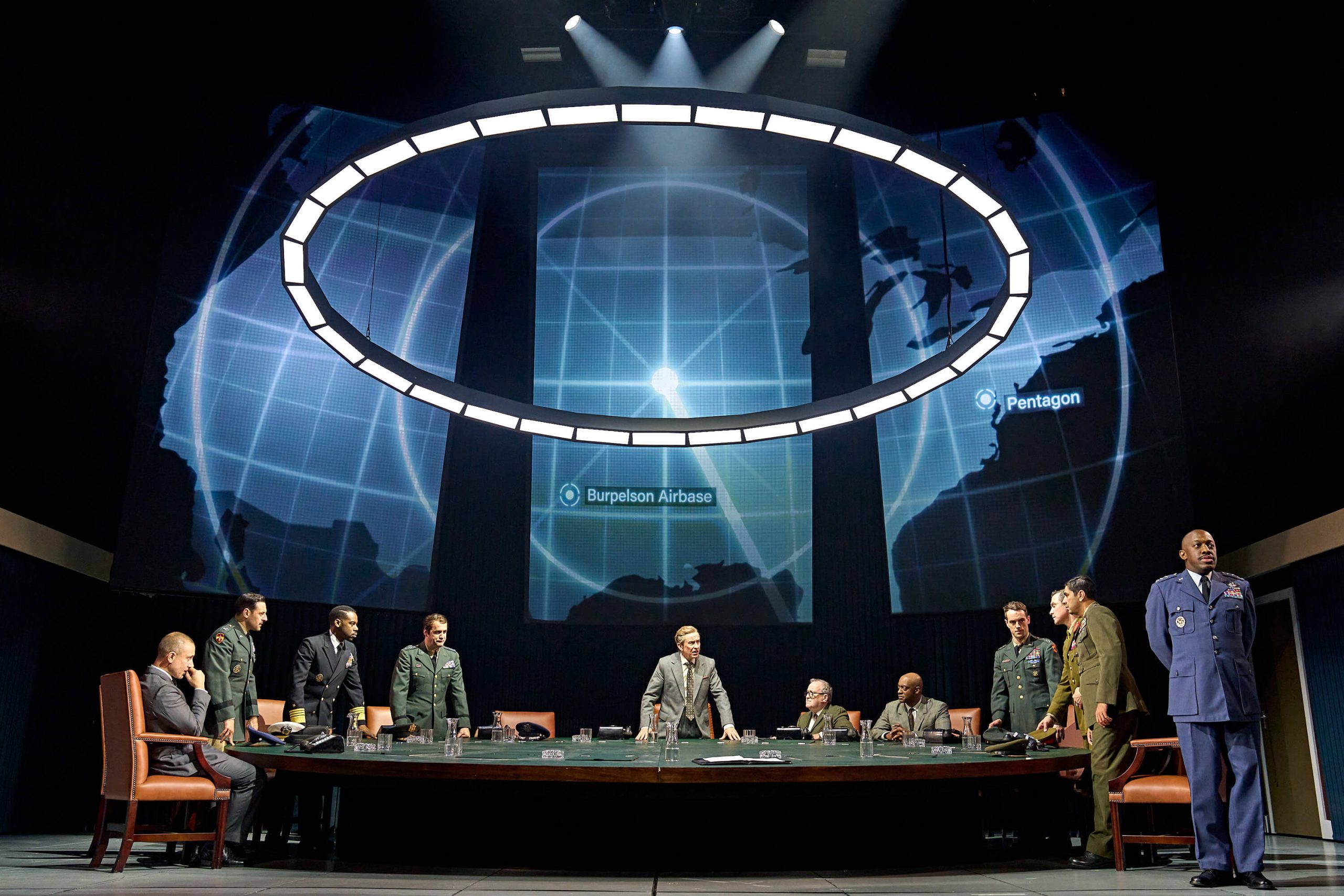
This website has been named after the brilliant Stanley Kubrick Movie,                  “Dr Strangelove." A 1964 black comedy. Peter Sellers is at his best as he plays multiple parts including the slightly disturbed “Dr Strangelove”.


Above:  "Peter Sellers" as "Dr Strangelove" -  See imdb

For futher infomation visit:  www.imdb.com www.rottentomatoes.com

Recommended Sites: www.google.com, www.google.com.au